
Ask what the app actually adds
App-connected can mean several things: a remote control, a timer, guided content or a display of device feedback. Ask which of these the product offers and view the interface before buying. An app icon on a listing is not a specification.
Think about one normal session. Would a screen help you follow instructions, or would opening and connecting the app become a step you often skip? There is no need to pay for a feature solely because another buyer enjoys using it.
Check independent operation function by function
Screen-free operation can be useful if you prefer fewer phone interactions. However, a device that turns on without an app may still require the app for feedback or guided training. Ask for a list of what remains available when the phone is disconnected.
Keep independent comfort functions separate from guided exercise. Being able to use warmth or vibration without a screen does not mean the device performs your voluntary contractions for you. Choose those features for their stated purpose.
Compare the HOSFU options
HOSFU Gen 3 is built around app-guided use and real-time training feedback. Gen 4 adds a choice of app-guided training and on-device operation for comfort functions. Gen 1 and Gen 2 are screen-free models without the app training feedback offered by Gen 3 and Gen 4.
If feedback is essential, start by comparing the app-connected generations. If independent controls are essential, check the controls and functions of each model. Do not assume newer means better for you without identifying the extra features you will use.
Check compatibility, fees and support
Before ordering an app-connected trainer, verify supported operating systems against your phone, the connection method and whether internet access is needed for setup. Watch the pairing tutorial if one is available. Ask how to obtain help if connection fails.
HOSFU currently states that its app is free to download and use, with no app subscription. Review the app page for current compatibility details rather than assuming every older phone is supported. Also read permissions and privacy information before creating an account.
Choose around your actual routine
An app-first buyer may prioritize understandable guidance and feedback. A screen-free buyer may prioritize accessible controls and simple startup. Someone who wants both should check the boundaries between the two modes rather than expecting identical functions.
For example, if you want to review a guided session on your phone but use comfort functions independently at other times, Gen 4 is worth investigating. If you only need app-guided use, compare Gen 3 as well rather than selecting by generation number alone.
Before you pay
Write down which features require the app and which do not. Confirm phone compatibility, the current price, any ongoing costs and the return policy. That short comparison is more useful than counting the number of screens or modes.
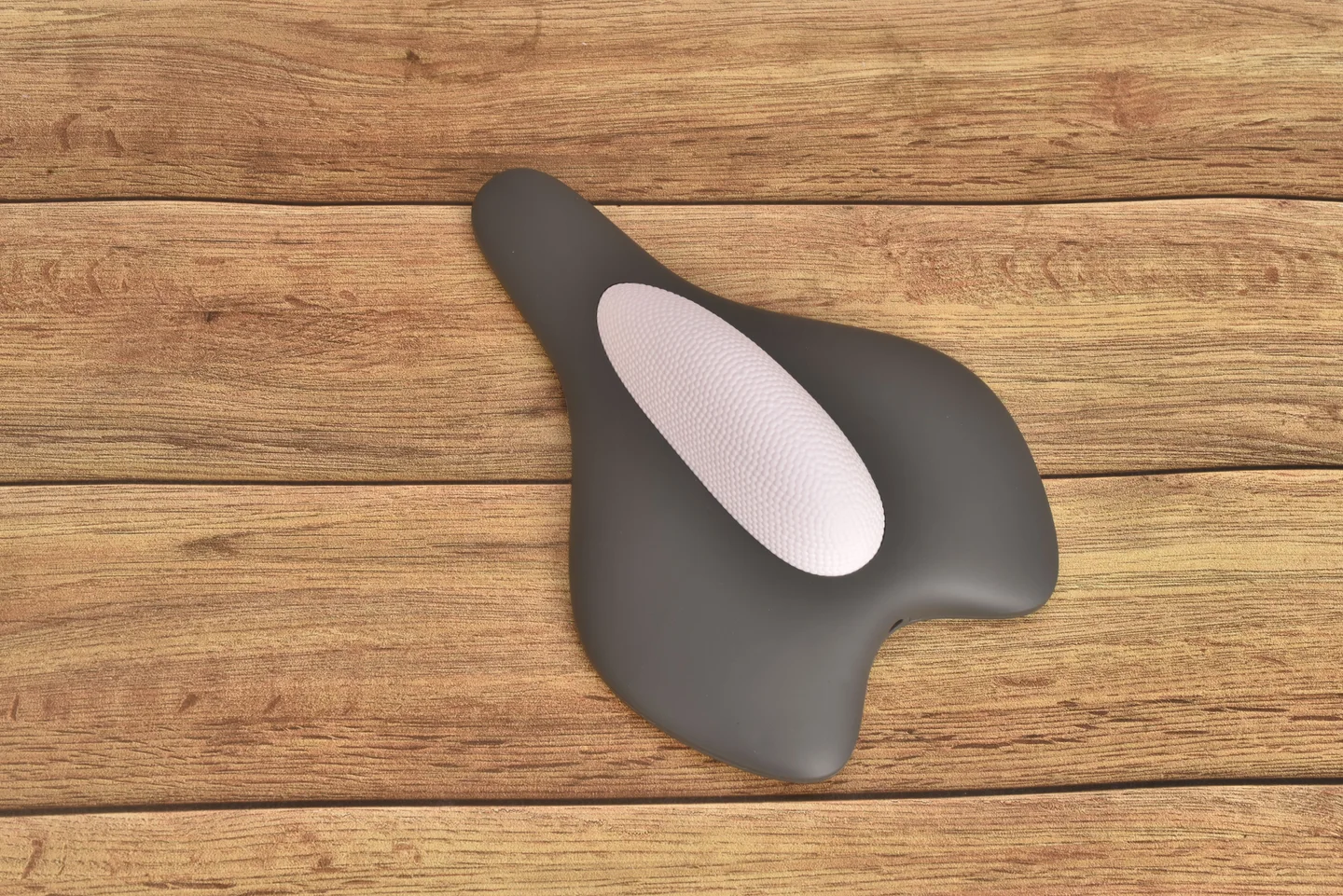
Choose HOSFU Gen 4 if its combination of an external format, app training and independent comfort controls matches your requirements. Open the product page for current buying options, or use the app tutorial to investigate the setup first.