
Understand the search terms before comparing products
External usually describes a product used outside the body. Without insertion states a specific contact preference. Non-invasive is a broader description that still needs a clear explanation of how a particular device is used.
Use these phrases to discover candidates, then inspect placement diagrams and instructions. Do not assume every external product is a sit-on trainer or works through clothing. Similar product names can conceal very different setups.
Walk through one complete session
A useful product page should explain where the device goes, what preparation is needed, how to start and how to stop. Check whether a phone is necessary and what the manufacturer says about seating and positioning. Ask support to clarify missing steps.
Picture the product in the place where you would use it. Can you follow the instructions there? Is charging convenient? Will you be able to clean and store it as directed? These details help you choose a setup that fits your routine.
Match each feature to a buying requirement
If you want instruction, investigate the guidance. If you want feedback, investigate what is measured and how the information is explained. If you want vibration or warmth, check those controls separately. A single word such as smart does not answer all three questions.
An external format does not establish that every displayed change comes from a correct pelvic floor contraction. Read the feedback limitations and avoid treating a home display as a medical assessment. Professional help remains useful when you are uncertain about technique.
NIDDK: Kegel Exercises ↗Check whether the app is optional for your preferred features
A product may run without a phone while reserving guided feedback for the app. Ask exactly which functions remain available when disconnected. This is especially important if independent controls are one of your reasons for buying.
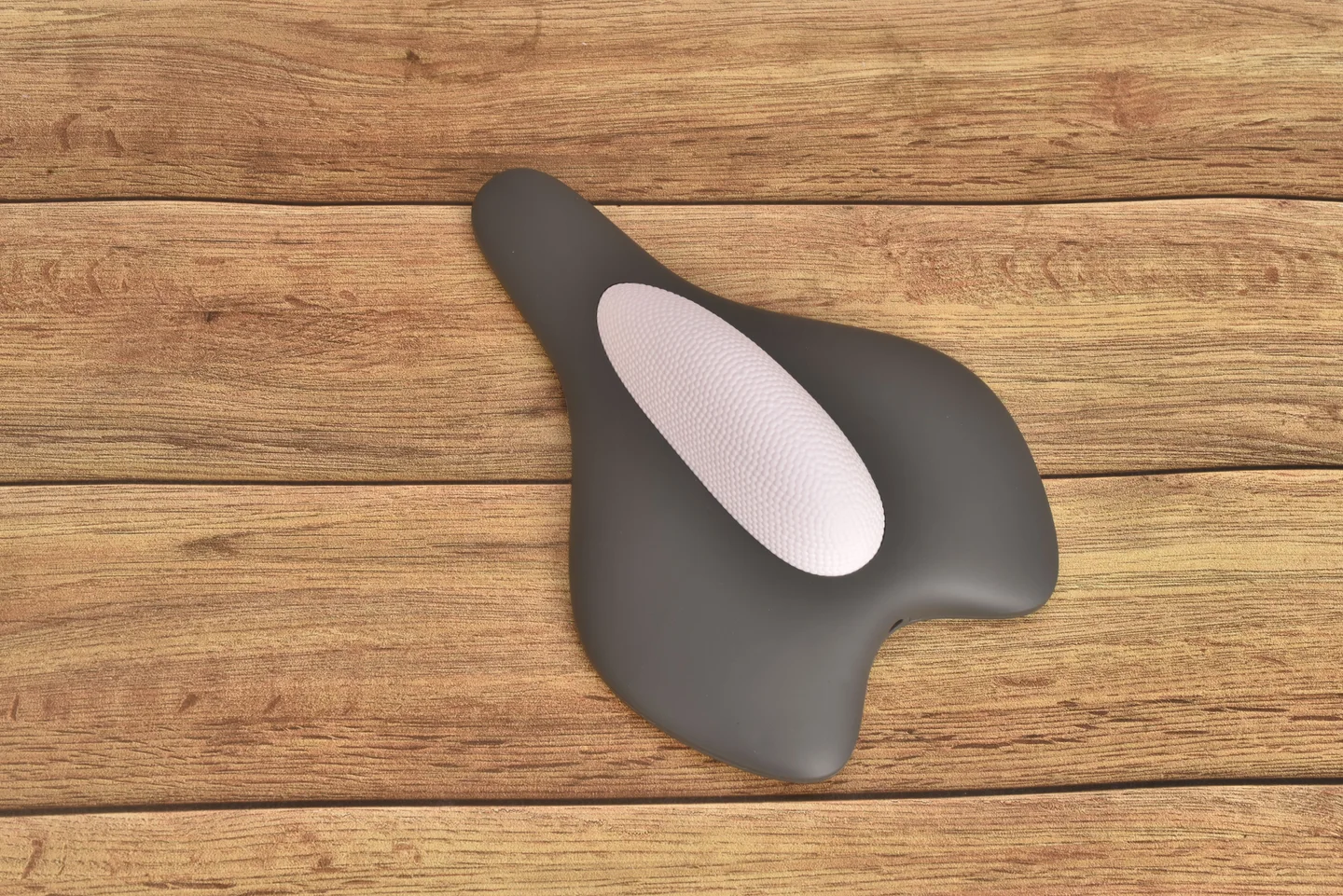
HOSFU Gen 4 offers an external, clothed sit-on format. Its app supports guided training feedback, while on-device controls allow use of vibration and gentle warmth without the app. Review the current model instructions to understand each use.
Read support and returns as part of the specification
Before ordering, confirm the intended users, cleaning method, charging requirements and support contact. Compare the total cost including anything needed for normal use. A small price difference may be less important than whether you can get a clear answer about setup.
Return rules matter for personal-use products. Check whether the policy applies to unopened items or allows use. HOSFU’s stated 90-day unopened-return policy is not a used-product trial, so resolve fit and feature questions before breaking the seal. The return window starts at delivery.
Build a short, useful shortlist
Start with three requirements you will not compromise on, such as no insertion, a clear placement guide and app feedback. Remove products that do not explain how they meet them. Then compare the remaining candidates on price and everyday operation.
If those requirements point toward HOSFU, use the Gen 4 page to check current features and buying options. If you are still deciding on a format, compare external and insertable trainers first rather than buying on the category name alone.