
HOSFU APP
Download the
HOSFU App.
Set up your trainer, connect by Bluetooth,
and start guided training in minutes.
The HOSFU app is free to download and use. No app subscription is required.
 Start training with
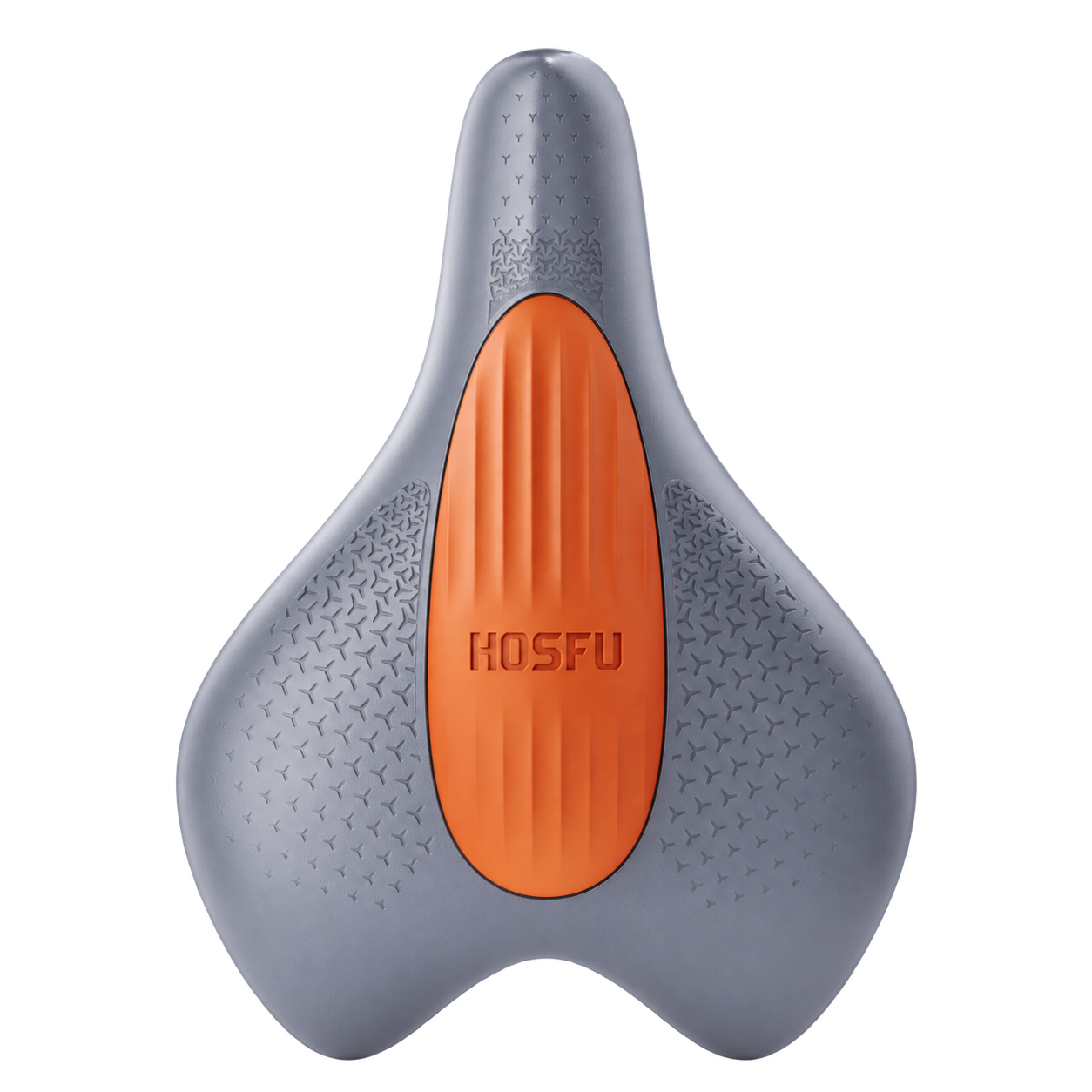
our latest Gen 4.
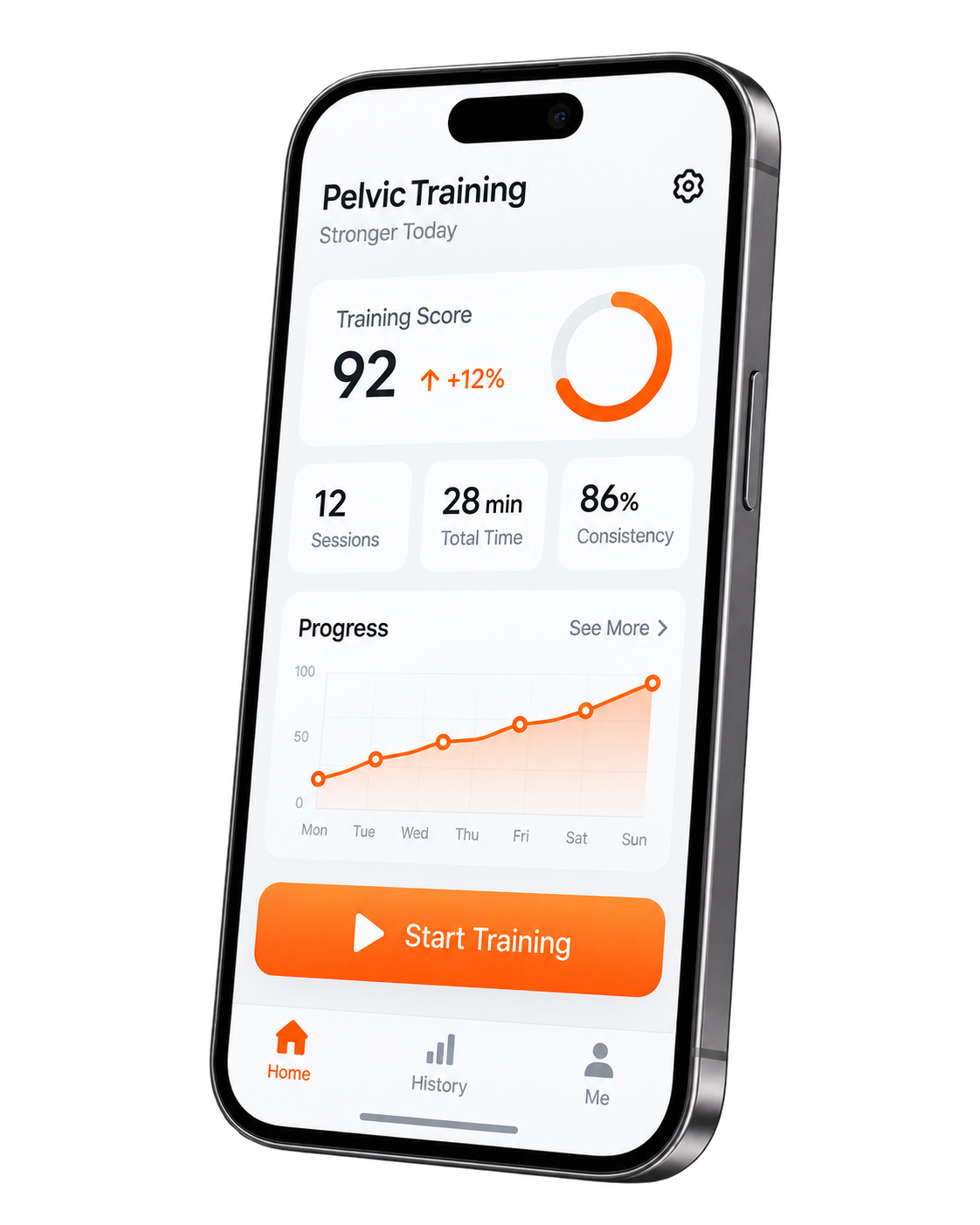
Easy to set upGet started in minutes
Guided trainingPersonalized programs
Track your progressSee real results
Works with HOSFUGen 3 & Gen 4
READY IN FOUR STEPS
Quick Start
Follow these 4 simple steps to get started.
- 1
Download the app
Get HOSFU from the App Store or Google Play.
- 2
Charge and power on
Make sure your trainer is charged and turned on.
- 3
Turn on Bluetooth
Enable Bluetooth on your phone and open the app.
- 4
Connect and start
Select your trainer and begin your training.
WATCH & FOLLOW
Video Tutorial
Watch step-by-step setup and usage guide.
Video chapters
Pairing tip Keep your trainer close to your phone during pairing (within 1 meter).
Still can’t connect?FIND YOUR CONNECTION
Compatible Trainers
The HOSFU app works with Gen 3 and Gen 4.
| Your trainer | 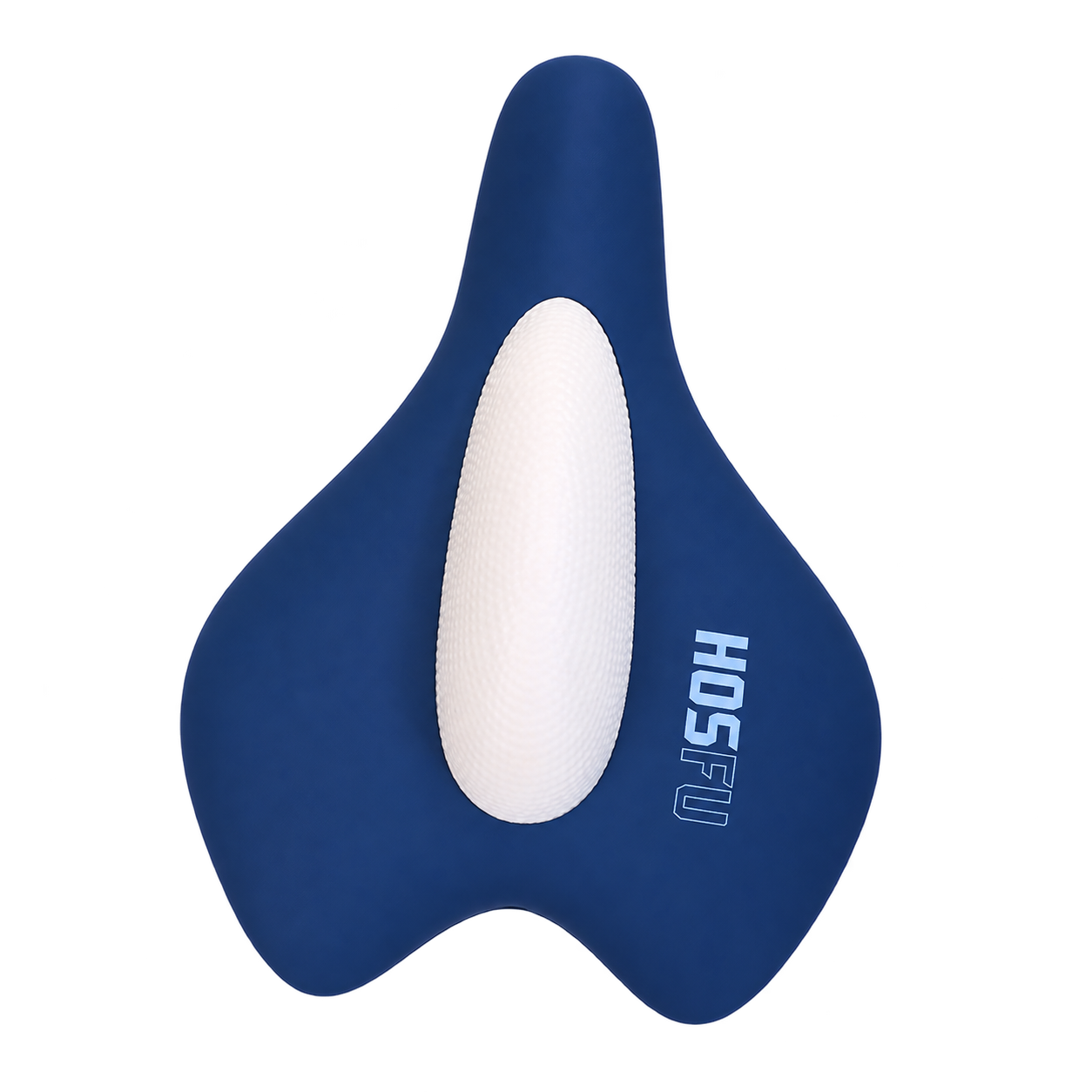 HOSFU Gen 1 HOSFU Gen 1 | 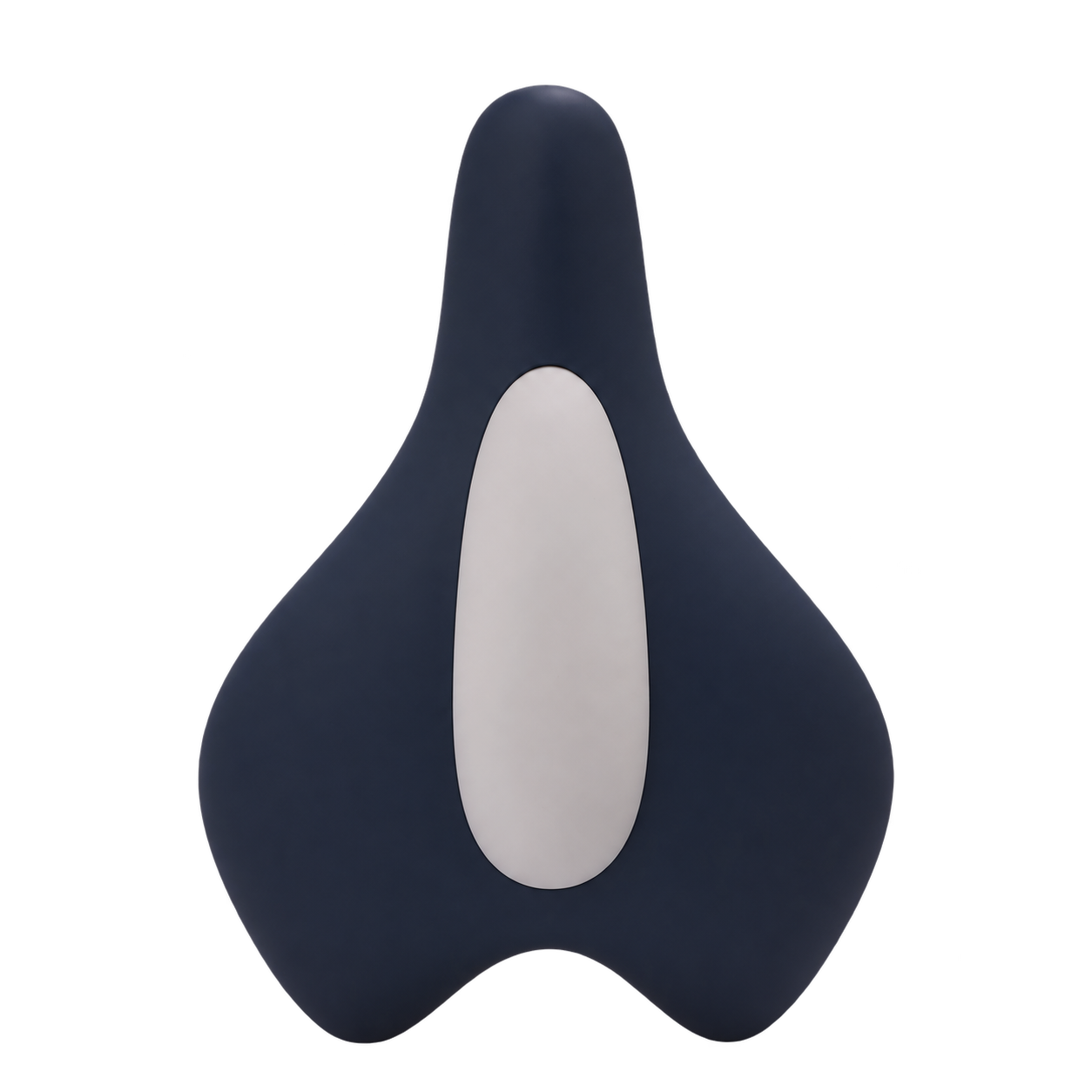 HOSFU Gen 2 HOSFU Gen 2 | 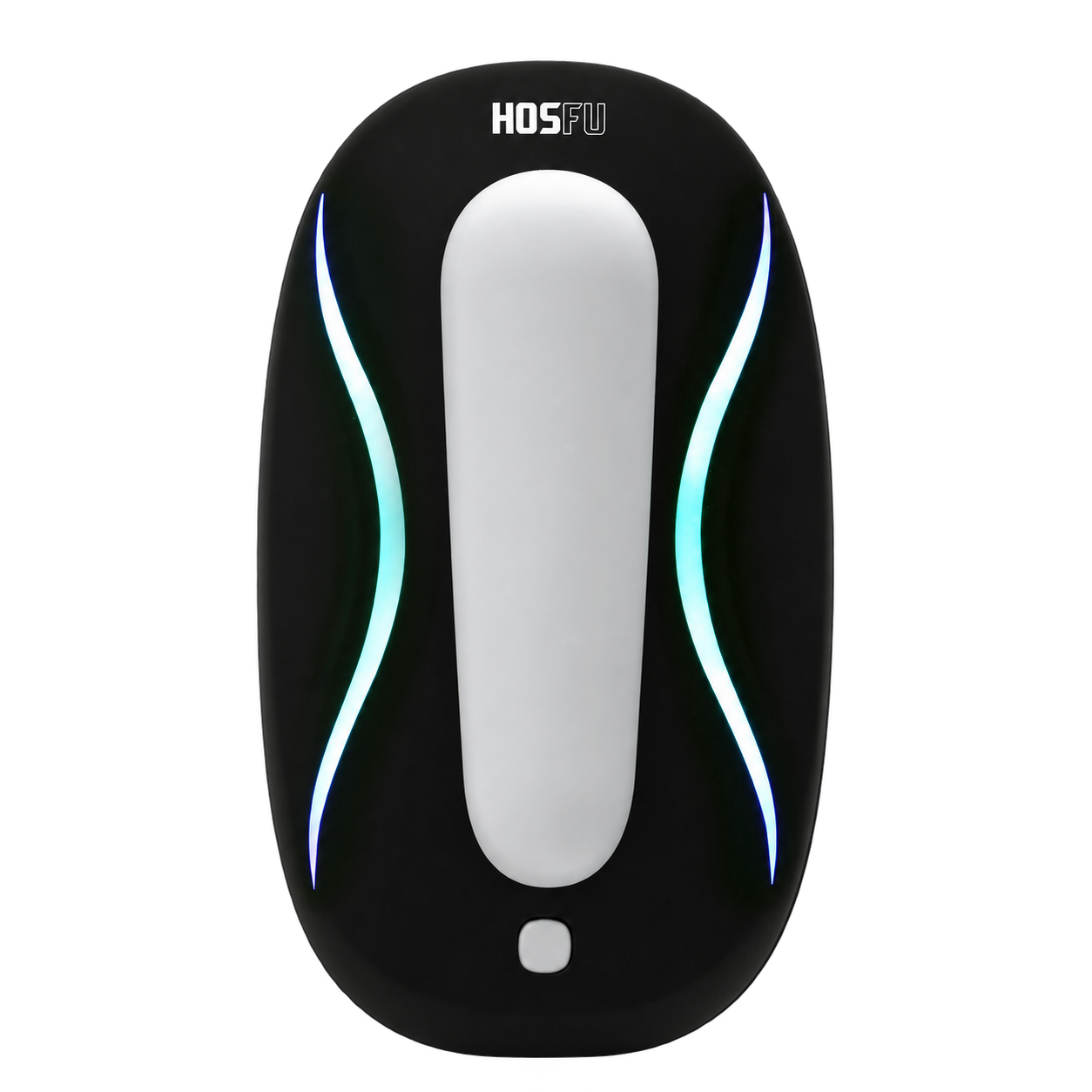 HOSFU Gen 3 HOSFU Gen 3 | HOSFU Gen 4 |
|---|---|---|---|---|
| App support | No app required | No app required | Full features | Full features |
| How you train | On-device controls | Remote control | App-guided training | App + on-device controls |